Easier than breathing
“Great app that does what it says and even offers a FREE conversion!”
 TrueSVGGet TrueSVG
VECTORIZE WITH AI
Convert PNG, JPG, and WEBP images into clean, scalable SVG graphics—ready for your next design, print, or web project.
Download on the App StoreOne free conversion included. No subscription required.
See how it works

FROM RASTER TO READY
TrueSVG turns flat image files into editable vector graphics, so logos, icons, and illustrations stay clear wherever you use them.
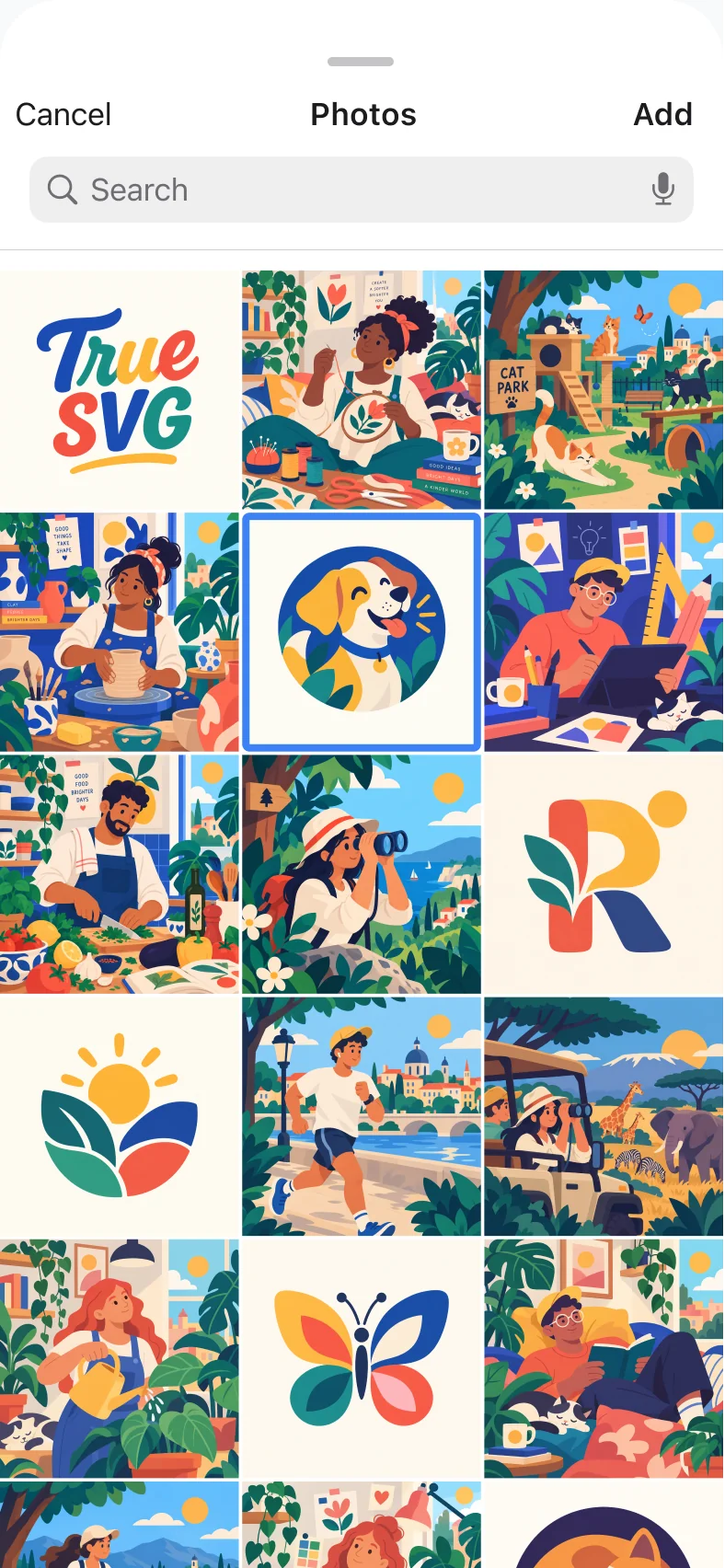
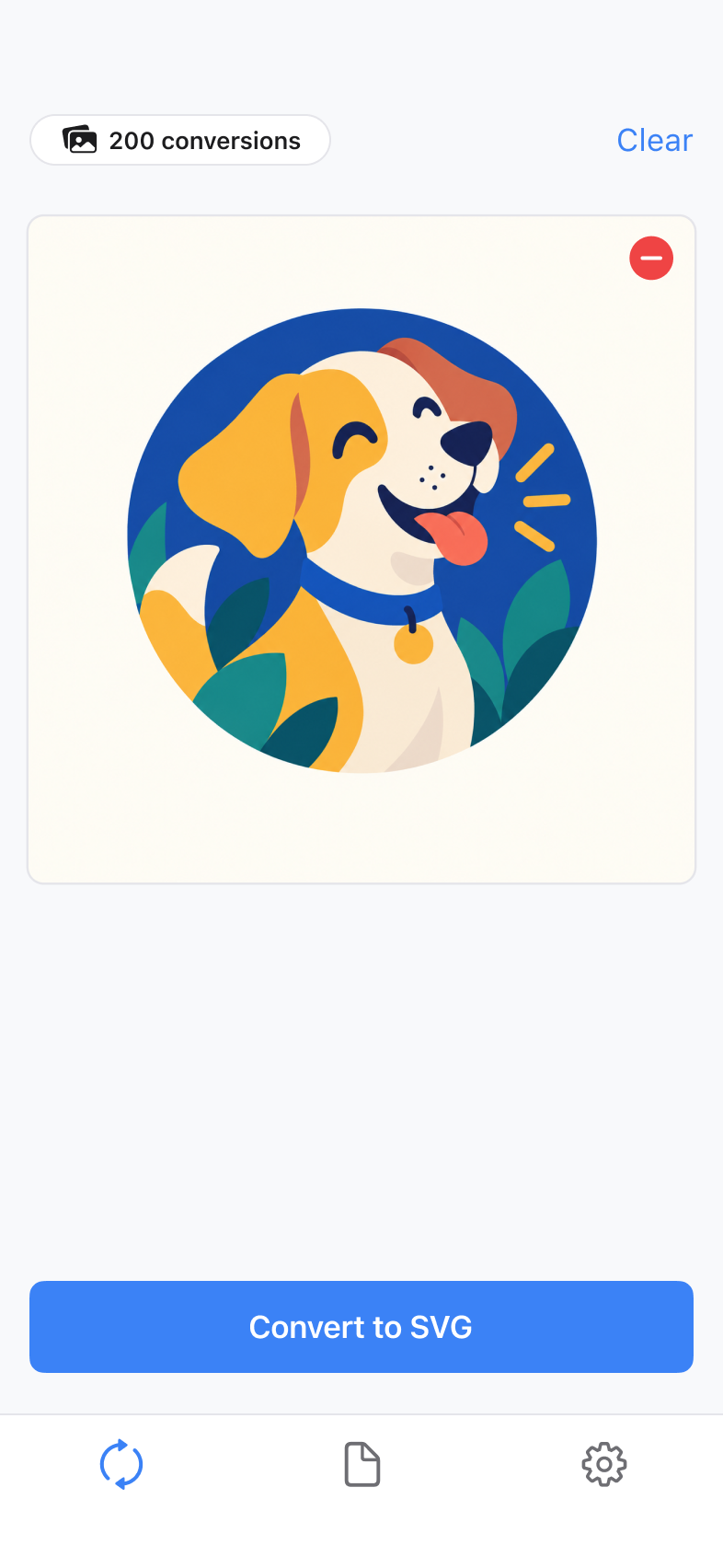
01 / IMAGE TO VECTOR
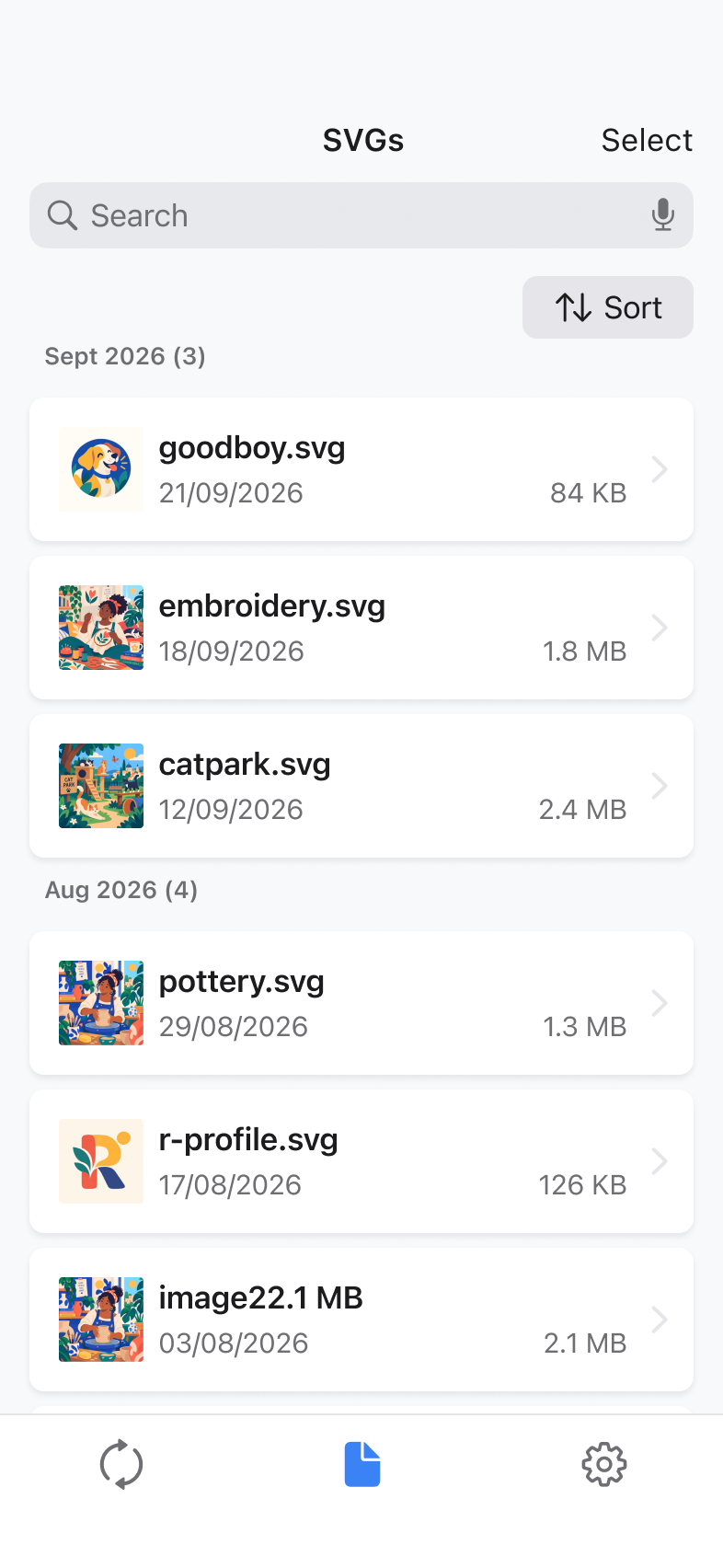
Bring in a PNG, JPG, or WEBP file and let TrueSVG prepare it for conversion.
Supports files up to 5 MB and 16 megapixels.
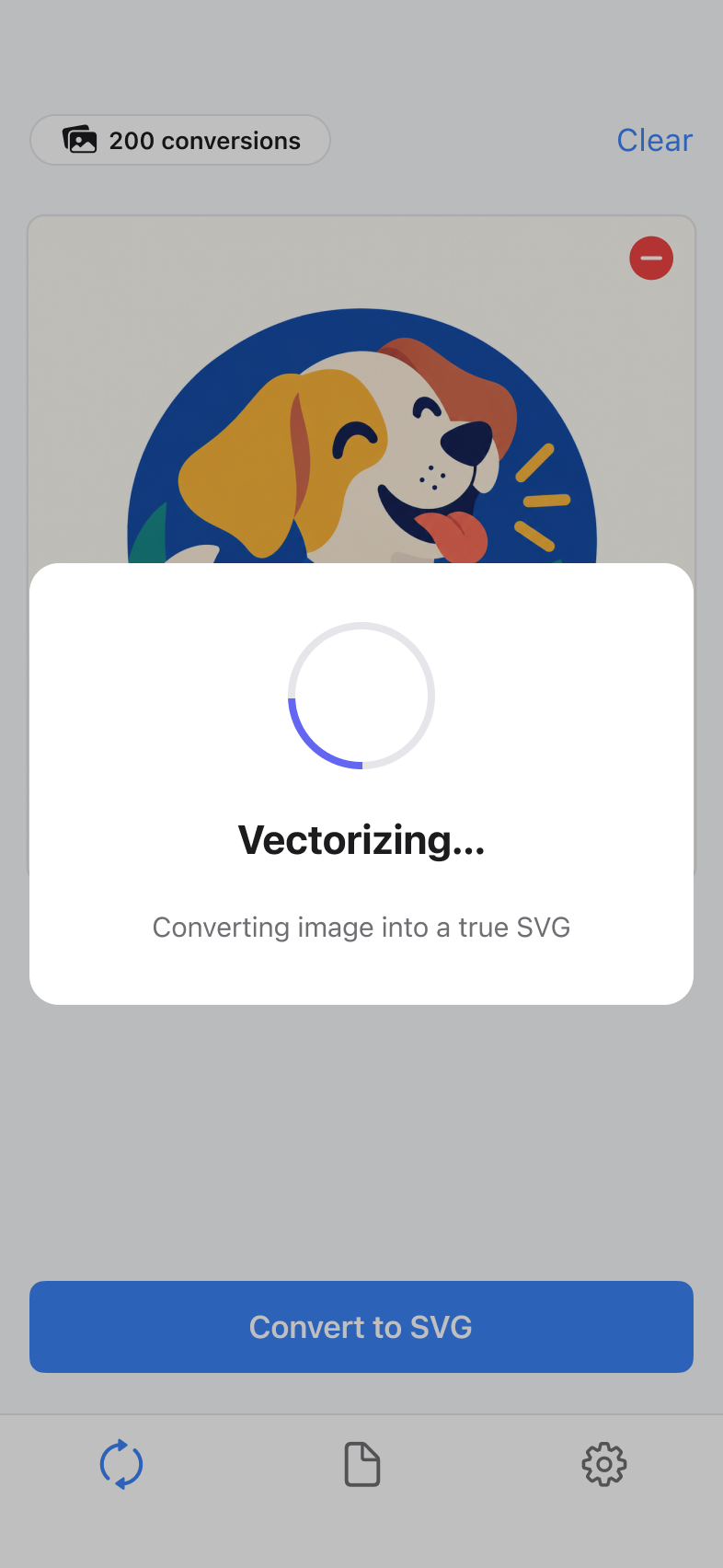
02 / IMAGE TO VECTOR
A specialized AI model preserves the visual intent of your image while creating optimized, editable vector curves.
Made for logos, icons, illustrations, and graphics.
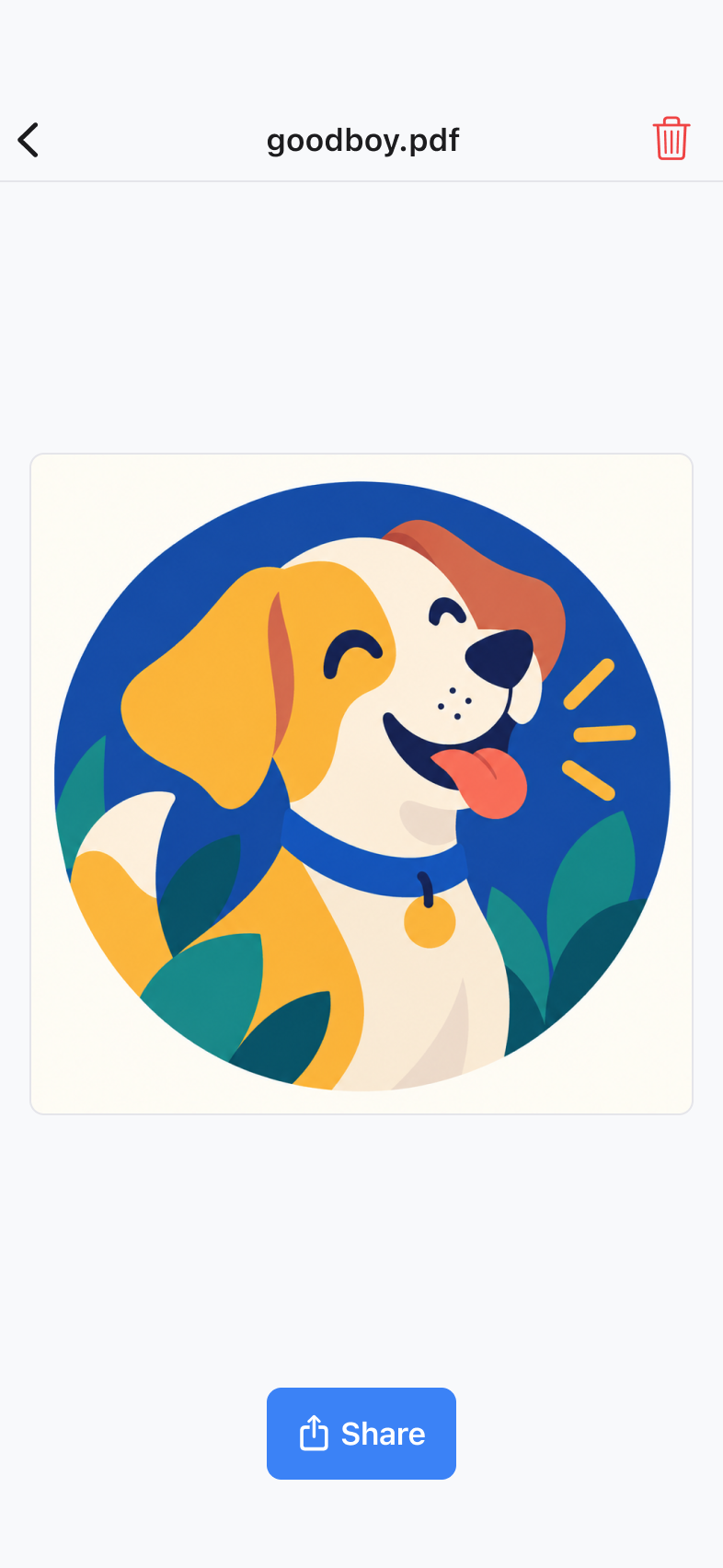
03 / IMAGE TO VECTOR
Save a high-quality SVG that stays crisp from small interface icons to large-format print.
Works with Illustrator, Figma, Sketch, and other design tools.
INSIDE TRUESVG
A focused workflow that gets you from a raster source to a scalable vector without a desktop setup.
APP STORE REVIEWS
Real feedback from people using TrueSVG.
“Great app that does what it says and even offers a FREE conversion!”
MADE FOR CREATIVE WORK
Create vector assets that remain sharp, editable, and ready to move into the tools you already use.
IMAGE TO VECTOR FAQ
Quick answers about converting raster images into editable, scalable SVG vector files.
Open TrueSVG, choose a PNG, JPG, or WEBP image, start the AI vector conversion, then preview and export the finished SVG file. The result uses scalable vector paths instead of fixed pixels.
Yes. TrueSVG converts PNG images into clean SVG vector graphics. It is useful for vectorizing logos, icons, illustrations, and other artwork that needs to stay sharp at different sizes.
Yes. TrueSVG supports JPG, JPEG, PNG, and WEBP source images, so you can turn common raster image formats into scalable SVG files from your iPhone or iPad.
Raster images are made from pixels and can look blurry when enlarged. Vector images use mathematical paths and curves, allowing an SVG to scale up or down while remaining crisp.
Yes. TrueSVG creates SVG files with editable vector paths that can be opened in Adobe Illustrator, Figma, Sketch, and other tools that support SVG.
Source files can be up to 5 MB and 16 megapixels, with a maximum dimension of 4096 pixels and a minimum dimension of 256 pixels.
Download TrueSVG and create your first vector conversion.
Download on the App Store